
01
Security throughout the workflow
Protect the cloud, transmission and devices through package, data and signaling encryption, content review and anomaly alerts across the signage workflow.

MINGQI TECHNOLOGY · HUIBO 3.0
Intelligent digital signage
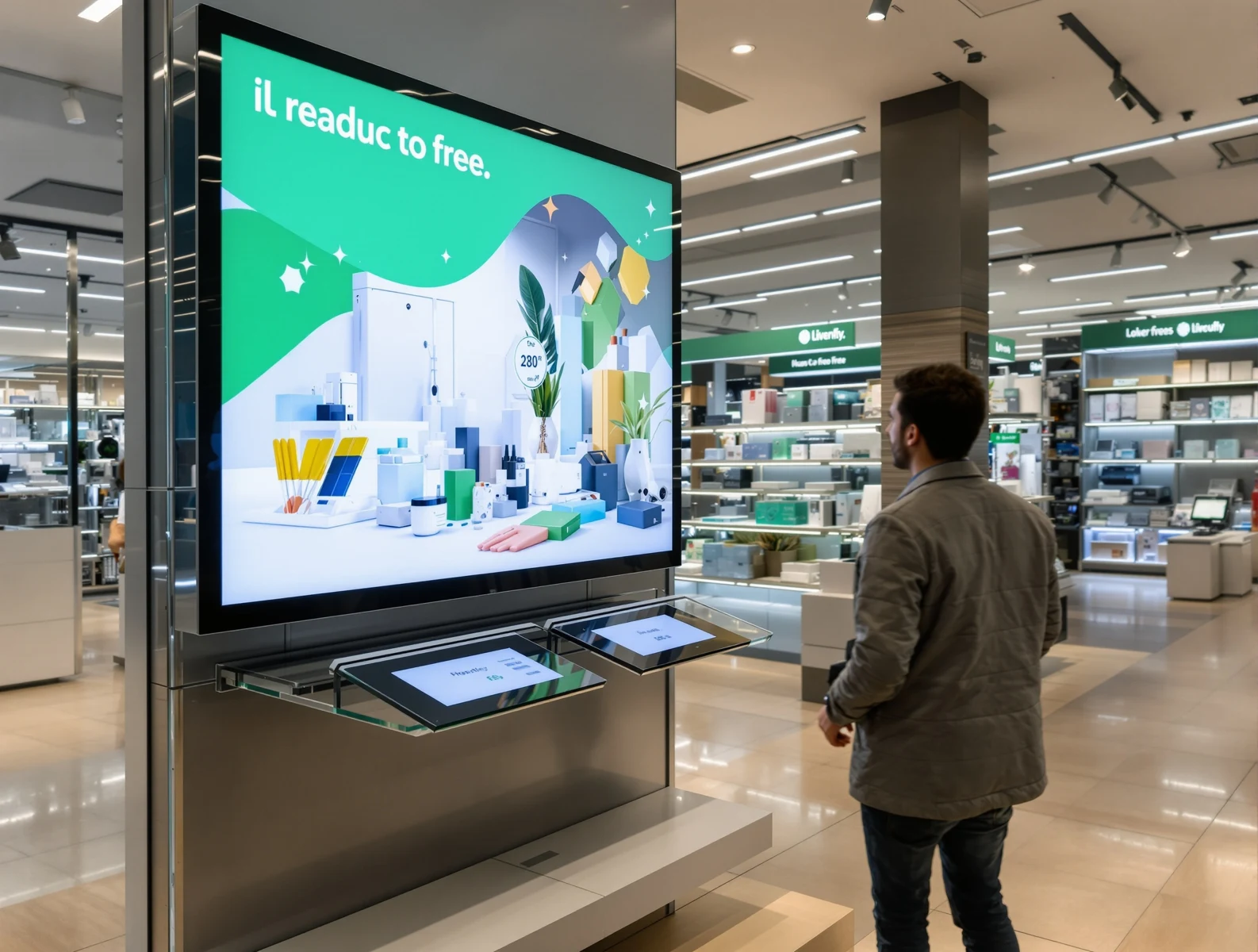
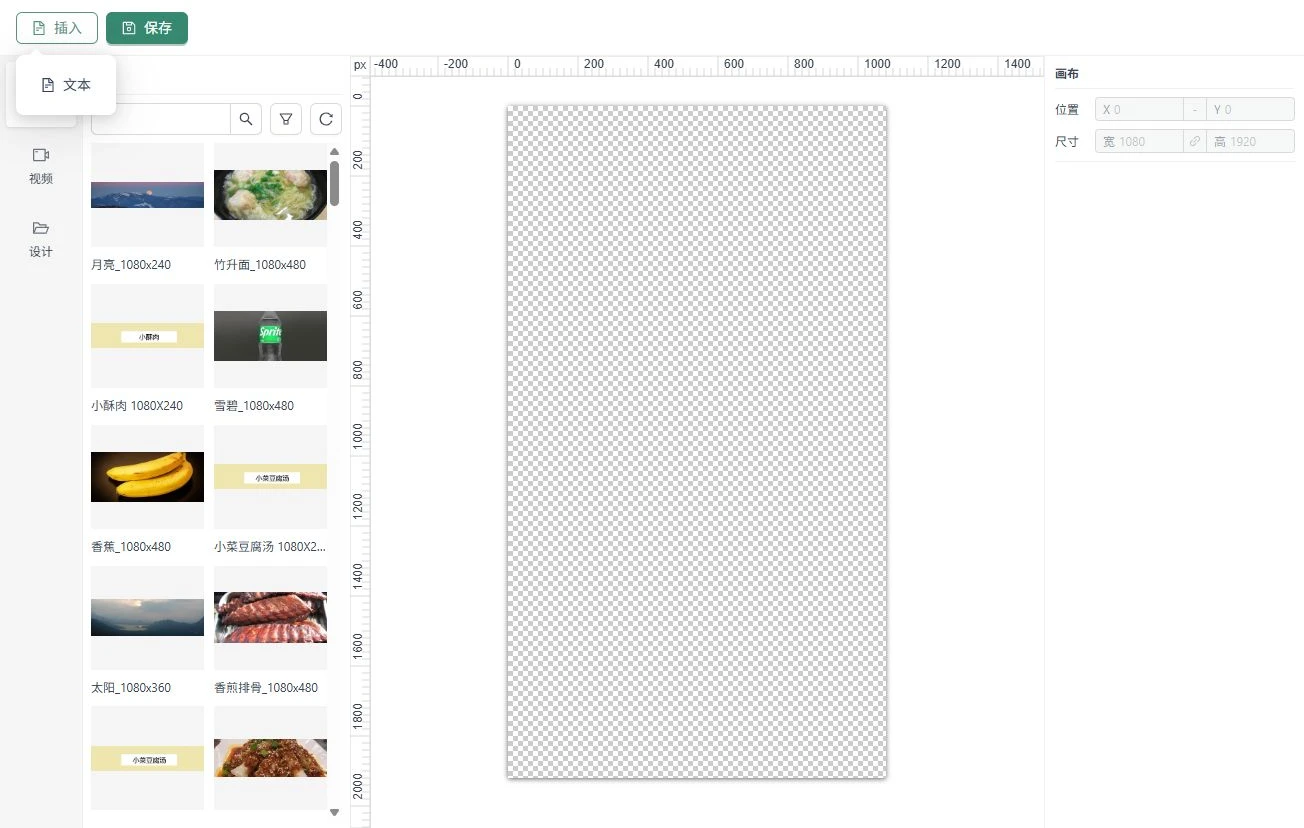
Connect content creation, program design, store publishing and synchronized playback in one platform.

Burger KingChina

Café de CoralChina

Popeyes

Tims

Jiumaojiu Group

Perfect Diary
CORE FEATURES · END-TO-END DIGITAL SIGNAGE
Connect your brand with customers through every screen, with content, scheduling, playback and maintenance in one workflow.
Synchronize your network and manage the device lifecycle
Publish content and schedules, synchronize updates across your network, view playback and device status, send remote commands and deliver OTA updates—all managed in the cloud.
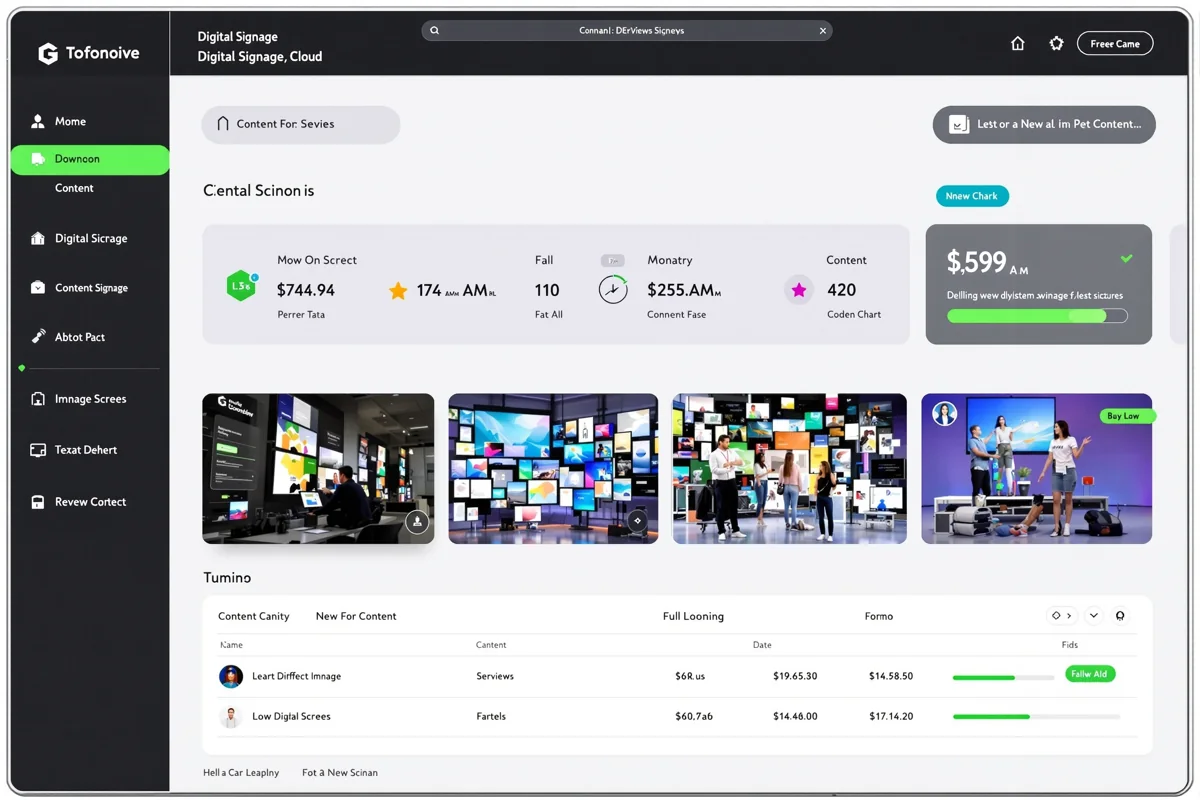
Images illustrate the solution. Mobile access, external integrations, security and maintenance features depend on your service, tenant and device configuration.
VIDEO WALLS · SYNCHRONIZED PLAYBACK
Let your content span multiple screens. Enable cross-screen coordination for a lightweight or composed program. When screens in the same store play that same program, Huibo automatically assigns each screen its part of the image and synchronizes playback.
 Screen 1Screen 2
2 columns · 1 row
The actual display depends on the program and screen configuration.
PRODUCT ADVANTAGES · BETTER SIGNAGE OPERATIONS
Six advantages make digital signage easier to deploy, manage and adapt to your stores.
Protect the cloud, transmission and devices through package, data and signaling encryption, content review and anomaly alerts across the signage workflow.

Connect animated widgets with third-party data interfaces and support custom development. Combine modules and screen types to meet different industries' display needs.
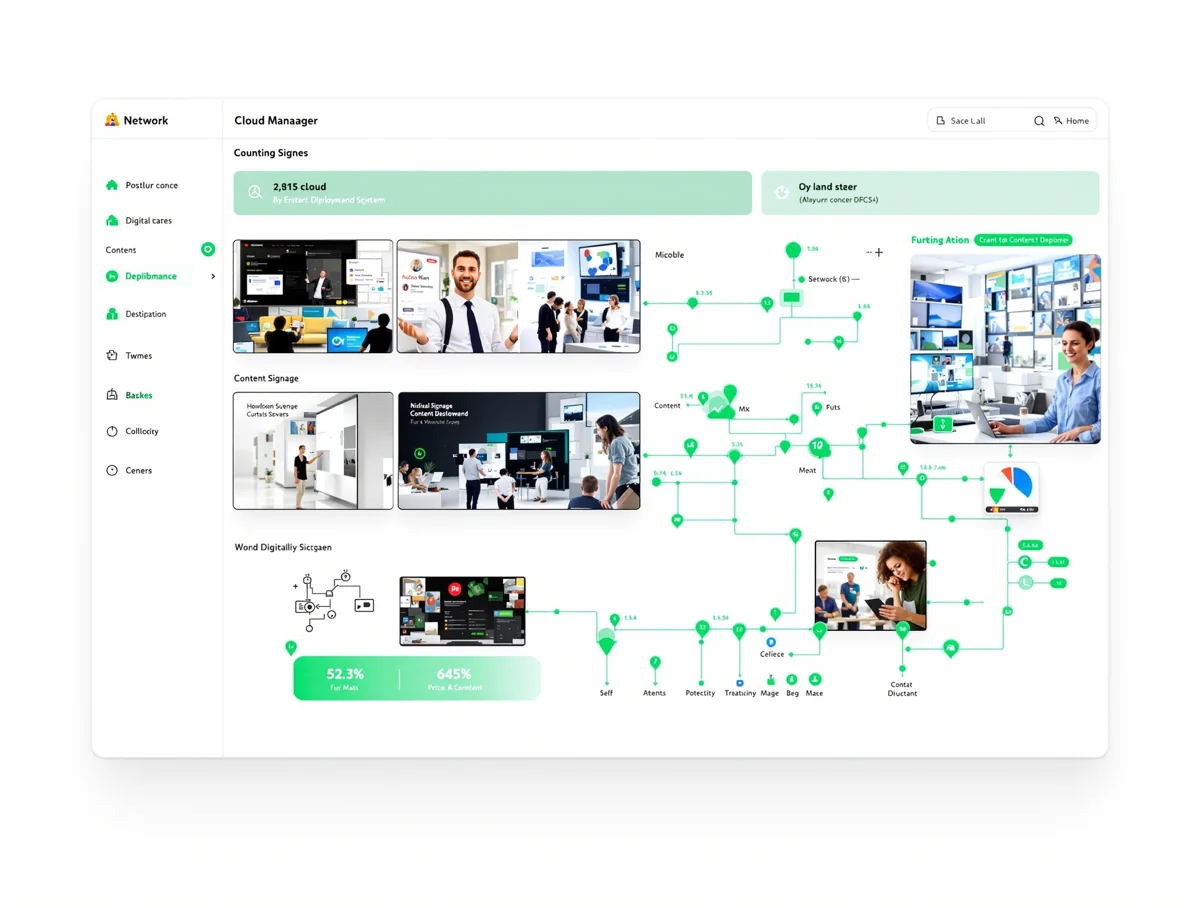
Publish content and synchronize updates across your network. Manage devices from multiple endpoints and update assets on mobile to respond promptly to store marketing needs.
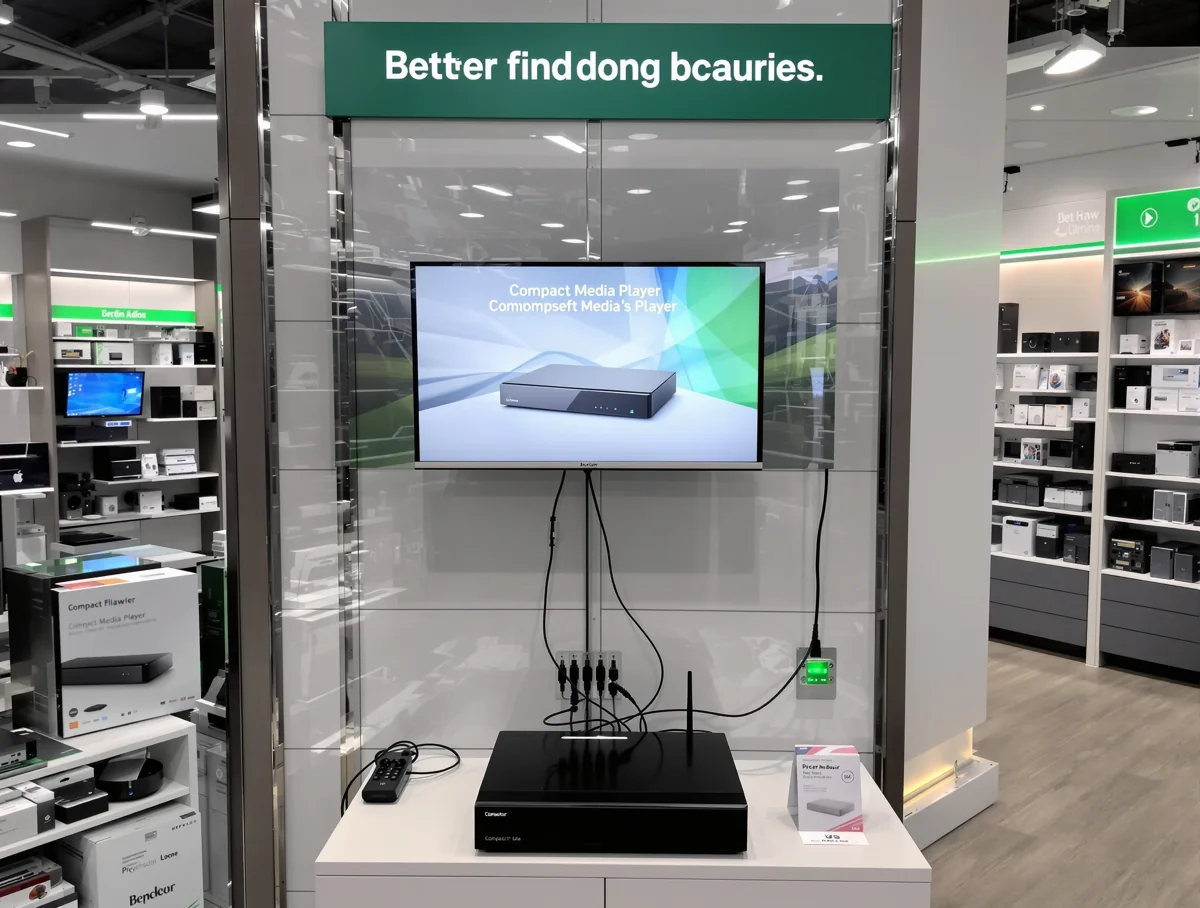
Choose media players, all-in-one displays or tablets, including options for existing screens. Compact devices, straightforward installation and industrial design help reduce conversion and maintenance work.
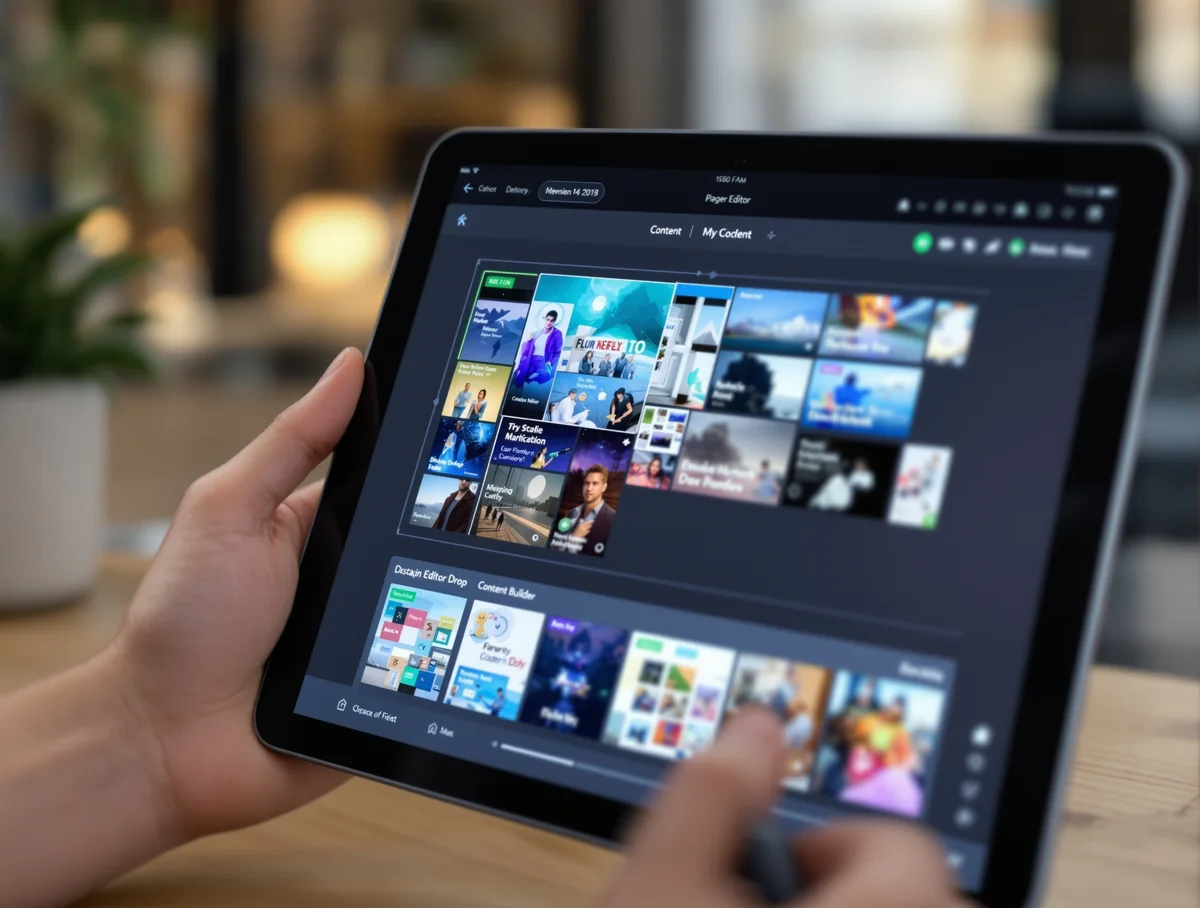
Drag-and-drop editing provides a visual preview. Automated scheduling and content switching simplify routine creation and publishing, making it easier for store staff to participate.
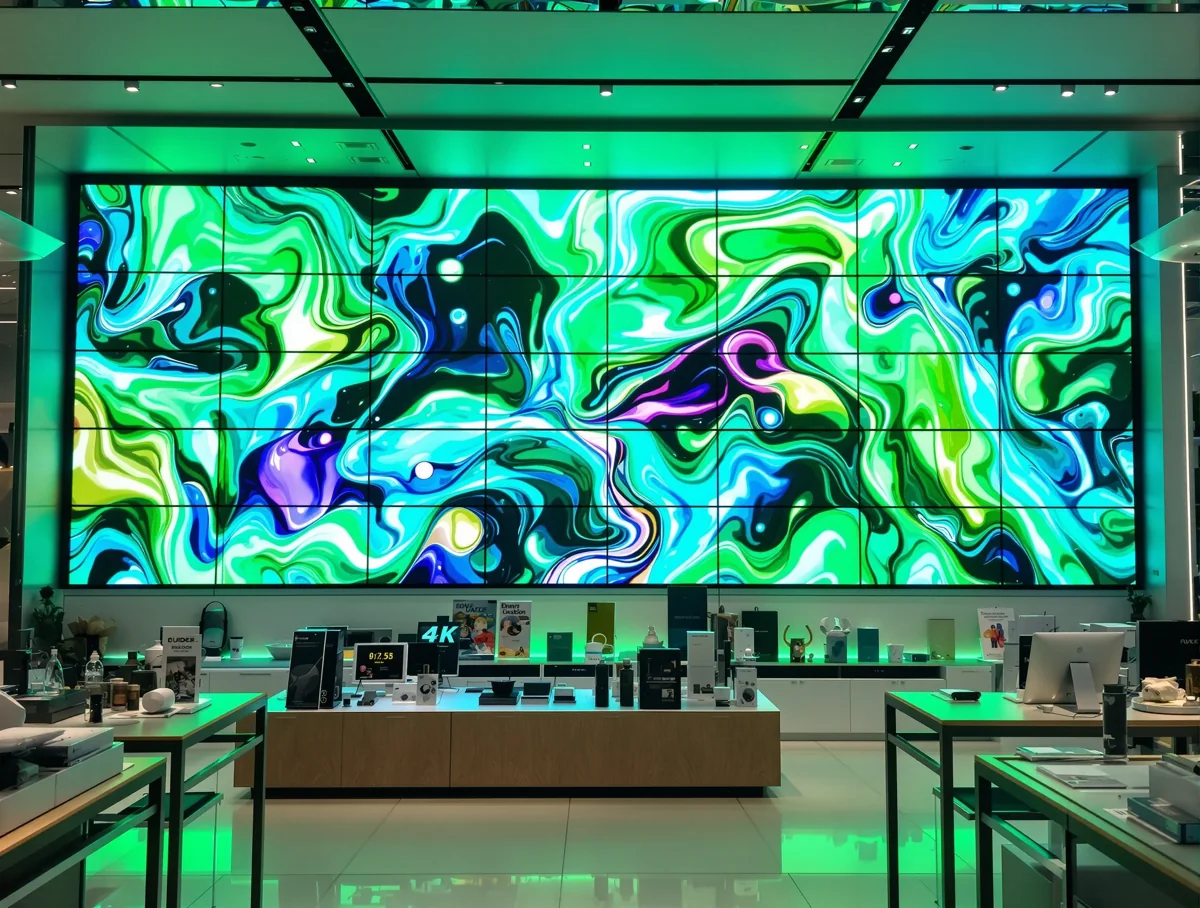
Choose devices with 4K video output and digital audio decoding. Combine animation and coordinated screens to bring your brand's content into the store through a richer audiovisual presentation.
Images illustrate the solution. 4K output and external interfaces require compatible devices and configurations.
CONTENT FOR EVERY BUSINESS
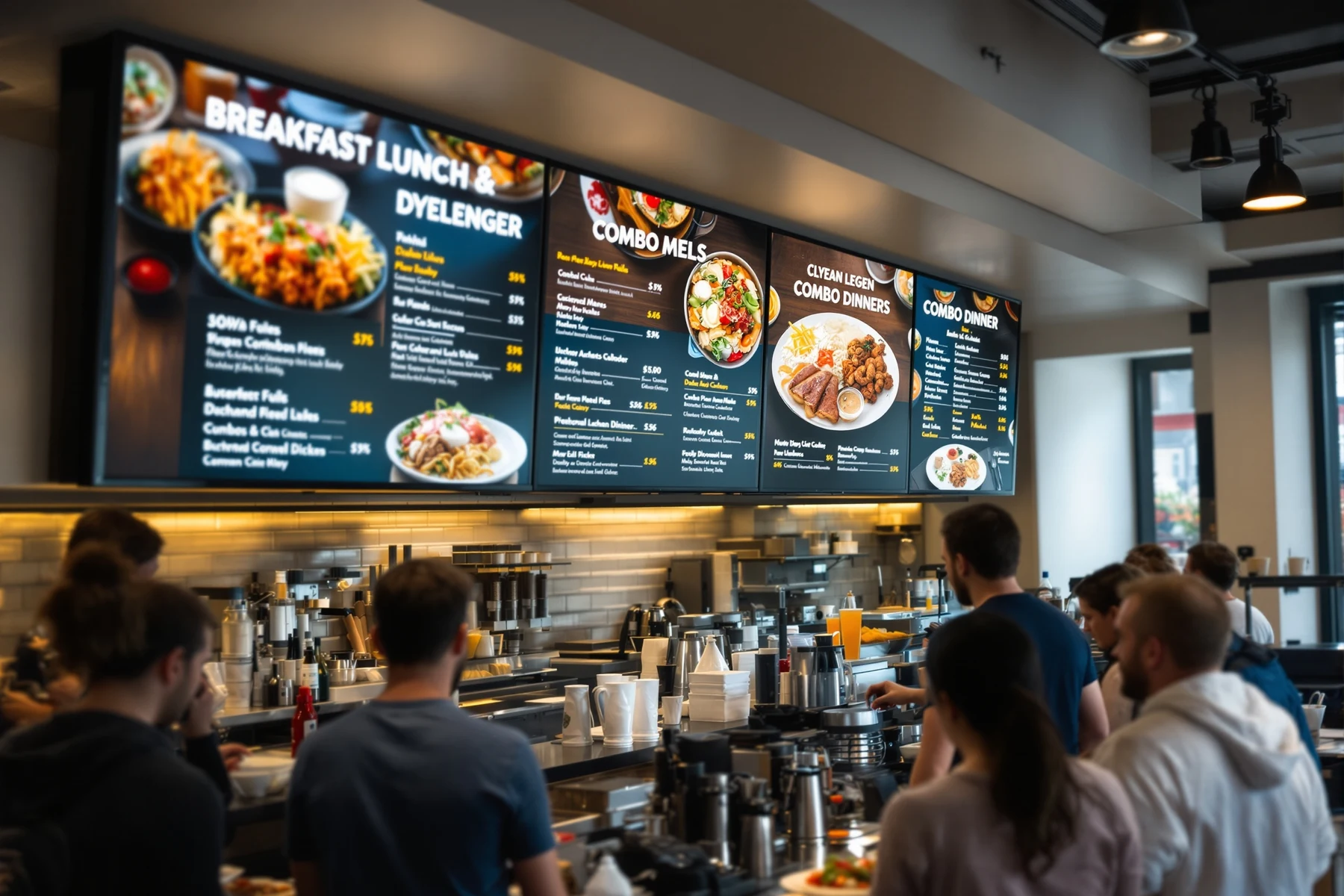
Menus · Menu items · Coordinated screensFrom breakfast to new combos, digital menu boards connect product information, scheduled updates and coordinated screens.
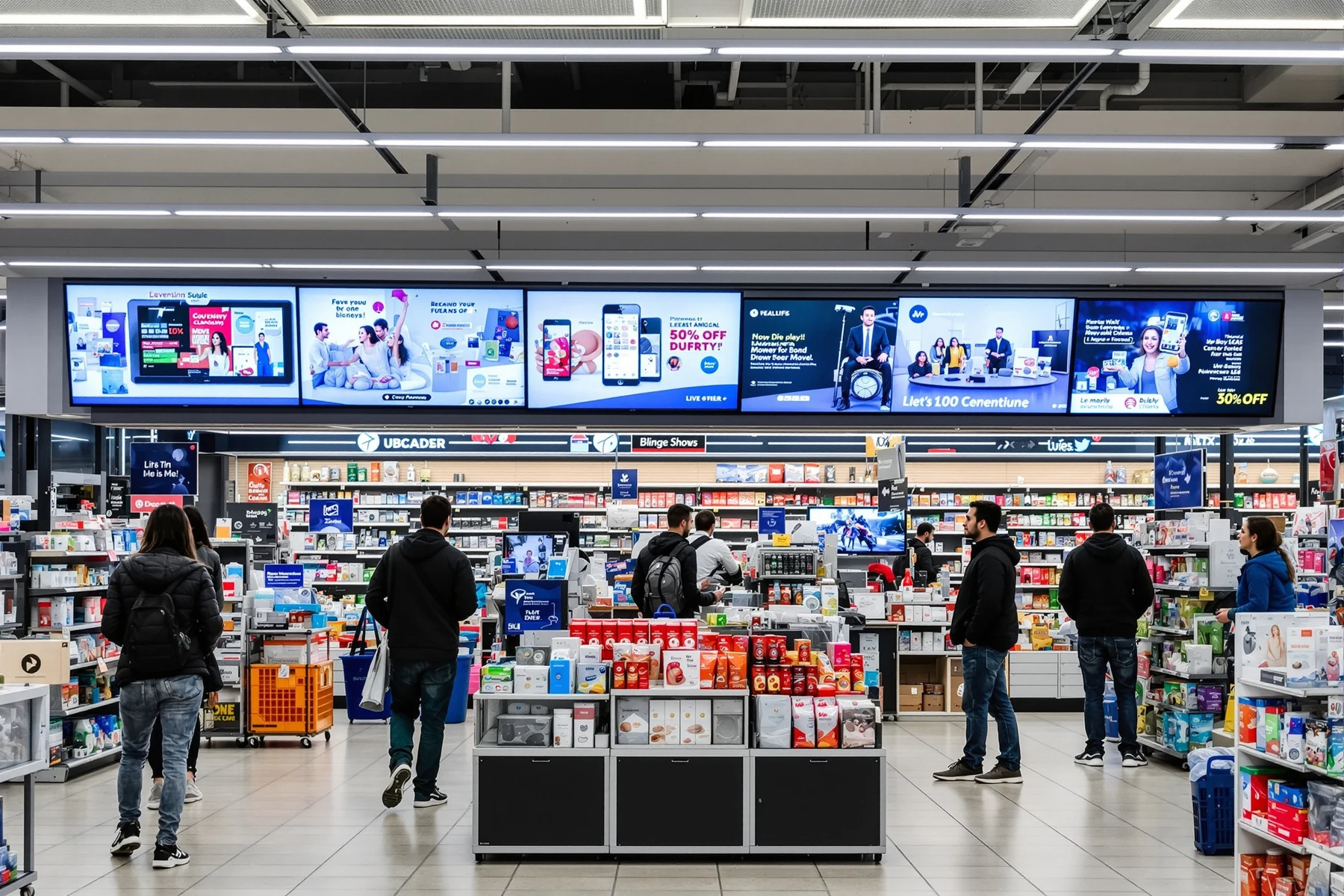 Brand content · Events and promotions
Bring brand posters, products and events into stores while balancing a consistent brand with local operations.
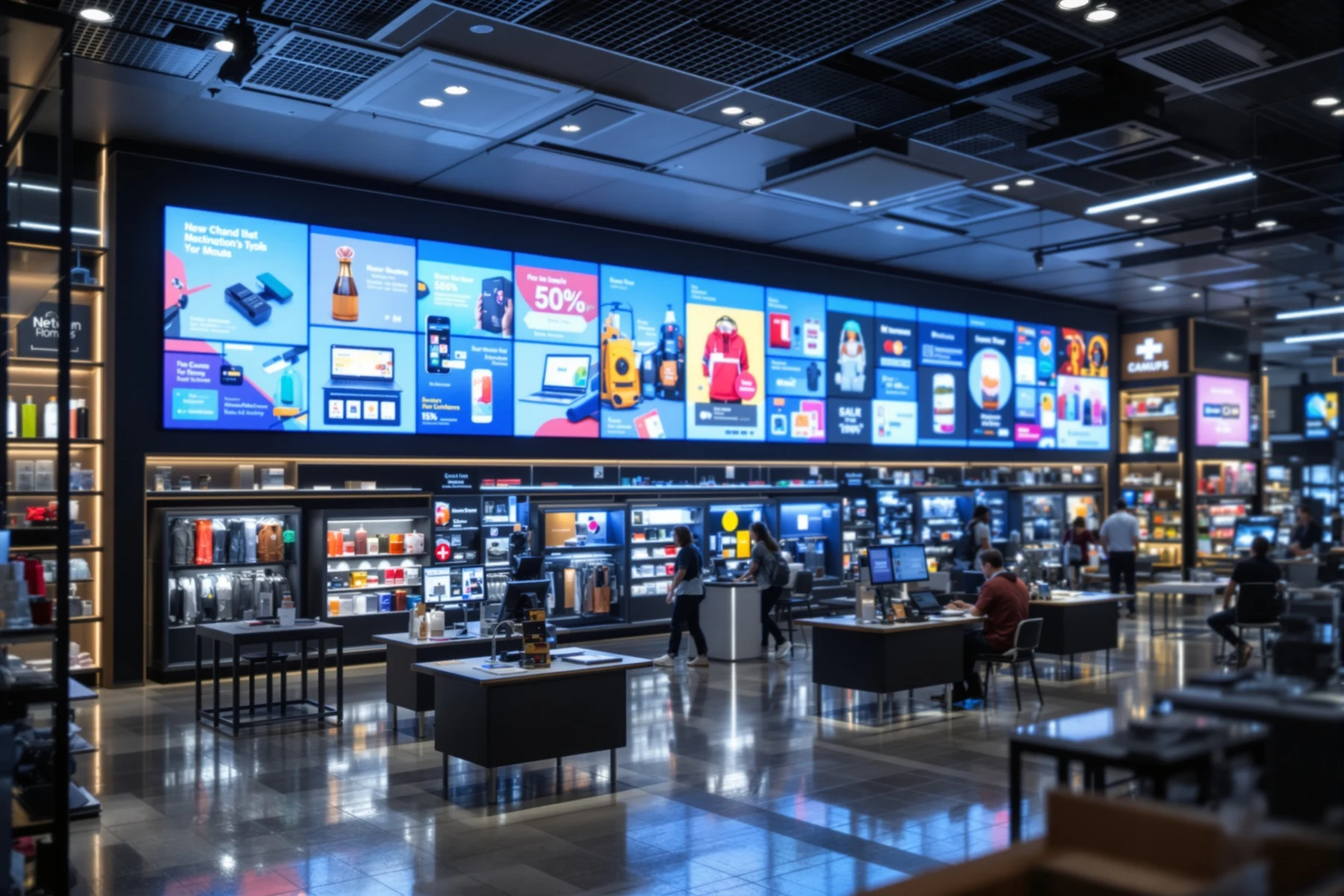 Store networks · Centralized management · Local operations
Manage content across restaurant, retail and beauty chains. Publish brand communications and new products centrally while keeping room for local operations.
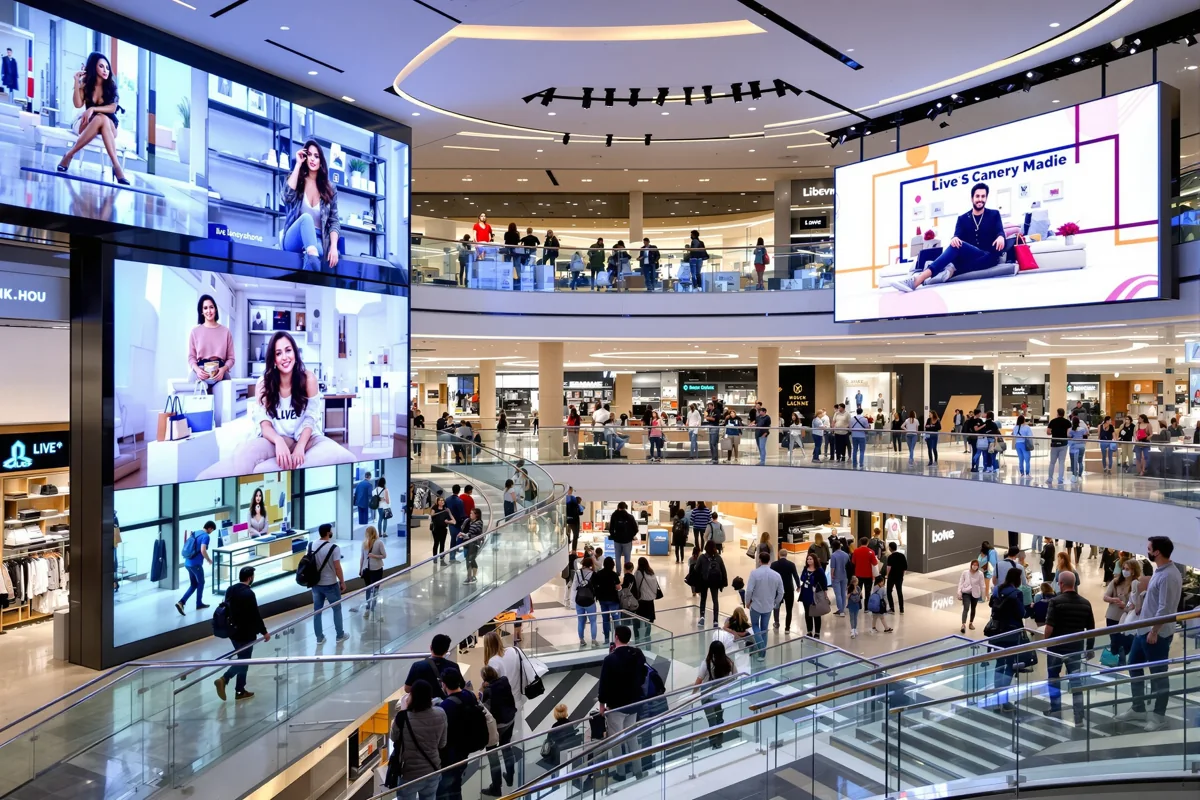 Live streams · Online-to-offline engagement
Bring online live streams to screens in stores and shopping centers, connecting online events with in-person customers.
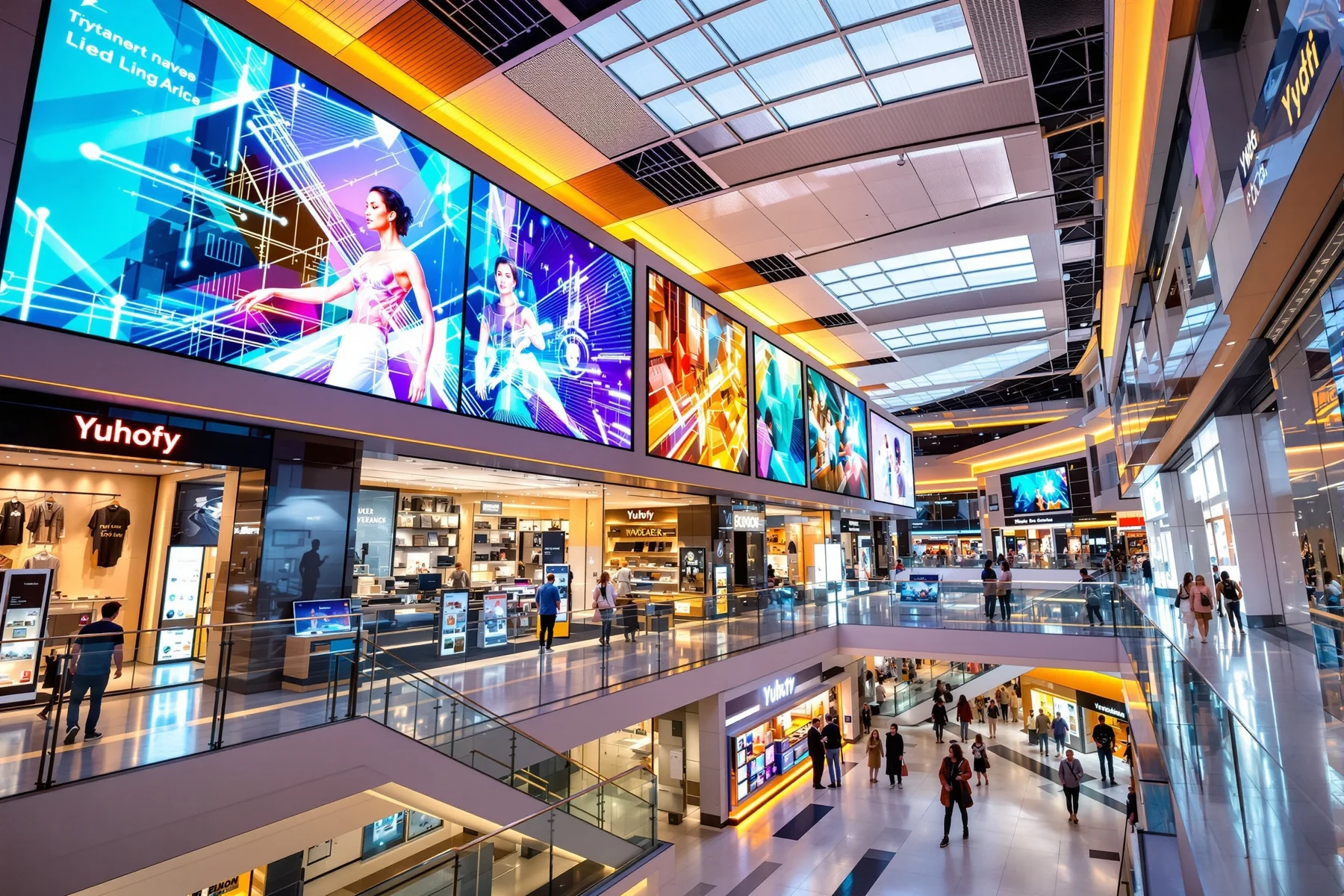 Advertising · Events · Wayfinding
Organize advertising, events and wayfinding in malls and offices. Combine multiple displays with flexible updates to meet each area's information needs.
 Compact deployment · Scheduled updates
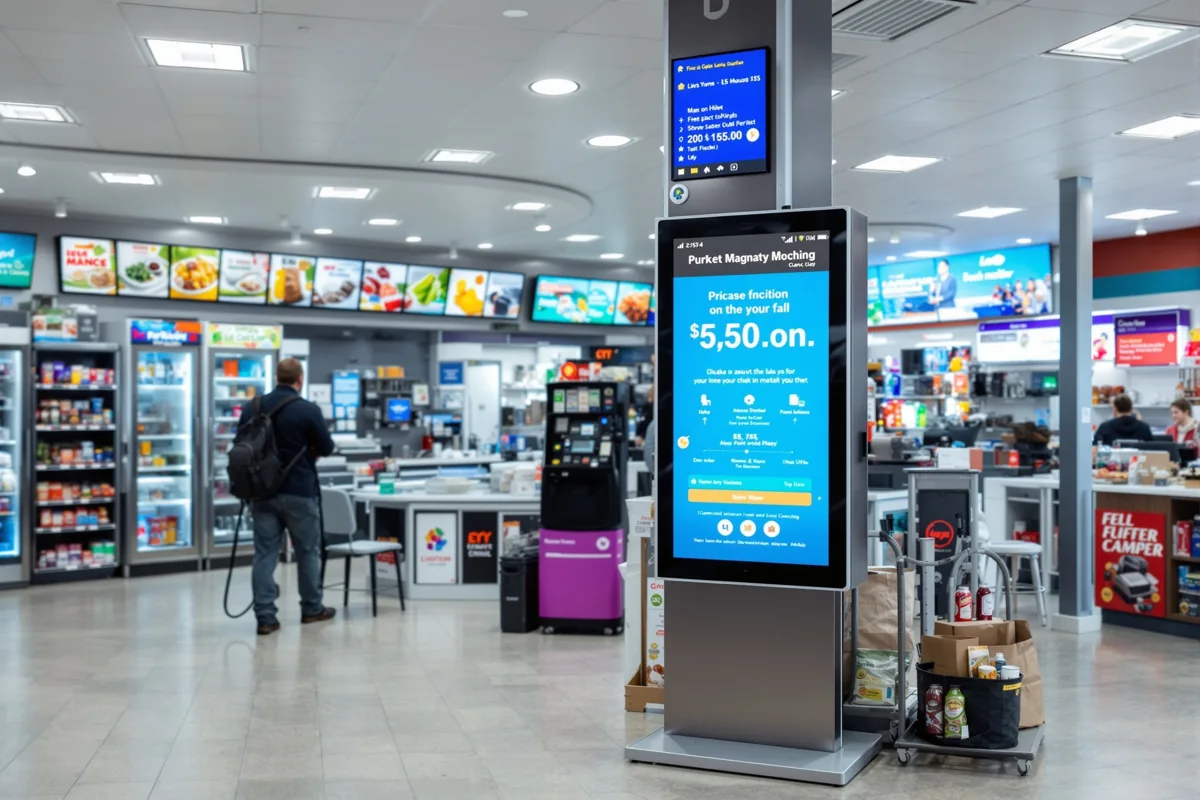
Connect compact media players to store screens, display promotions and service information, and switch content on schedule for easier everyday marketing.
Images illustrate example use cases.
THE DEVICES BEHIND THE DISPLAY
Connect existing displays to centralized content management.
Integrated playback and display for digital menu boards, brand communications and in-store content.
Bring content to counters, desktops and close-up displays.
CLEAR ROLES · CONTROLLED CONTENT
Organize resources and responsibilities through tenants, organizations, roles and content review, with clear ownership for creation, approval and publishing.
Explore team management ↗Match management scope to your business structure.
Give each member access to the features their role requires.
Review content before it is used.
START YOUR NEXT DISPLAY
SERVICE AND SUPPORT
Contact our support team for help with the product and in-store operations.